
For Omani brands and stores
Grow your business with Thiyab.
Your storefront, orders, payments, delivery and business tools — all in one place.
Start selling on Thiyab- Free to join
- No setup fee
- Commission per sale

 2 items
12%
2 items
12%
Discover shops on Thiyab
Explore local brands and their latest collections, all in one place.


Samt
Understated modest essentials
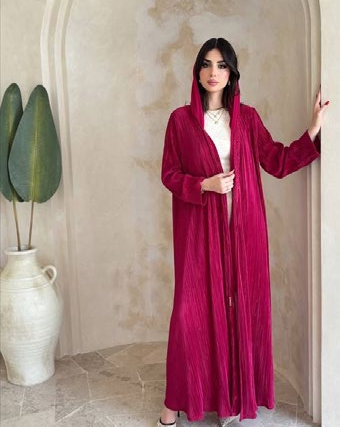

Ginaab
Contemporary abayas with an edge


Jawhara Lane
Luxury Abayas & Modest Wear


Gala
Occasion wear & fine jewellery


Jeehan
Lace kaftans & scarves
JELD
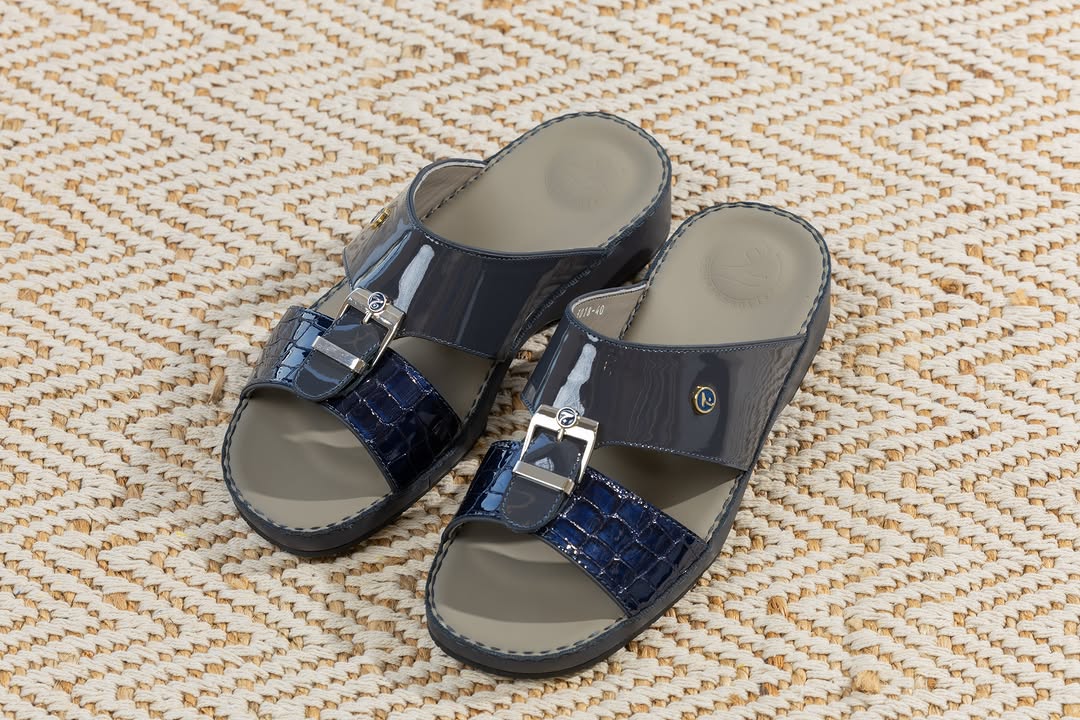
جلد.. ثق بخطاك — handmade Omani leather sandals for men. Branches: Al Qurm – Sabco Centre · Al Khoud – Al Barakat Street · Nizwa – Grand Mall · Al Suwaiq – next to Tea Time · Al Hail – next to Al Saif Gallery.
Aisha Boutique
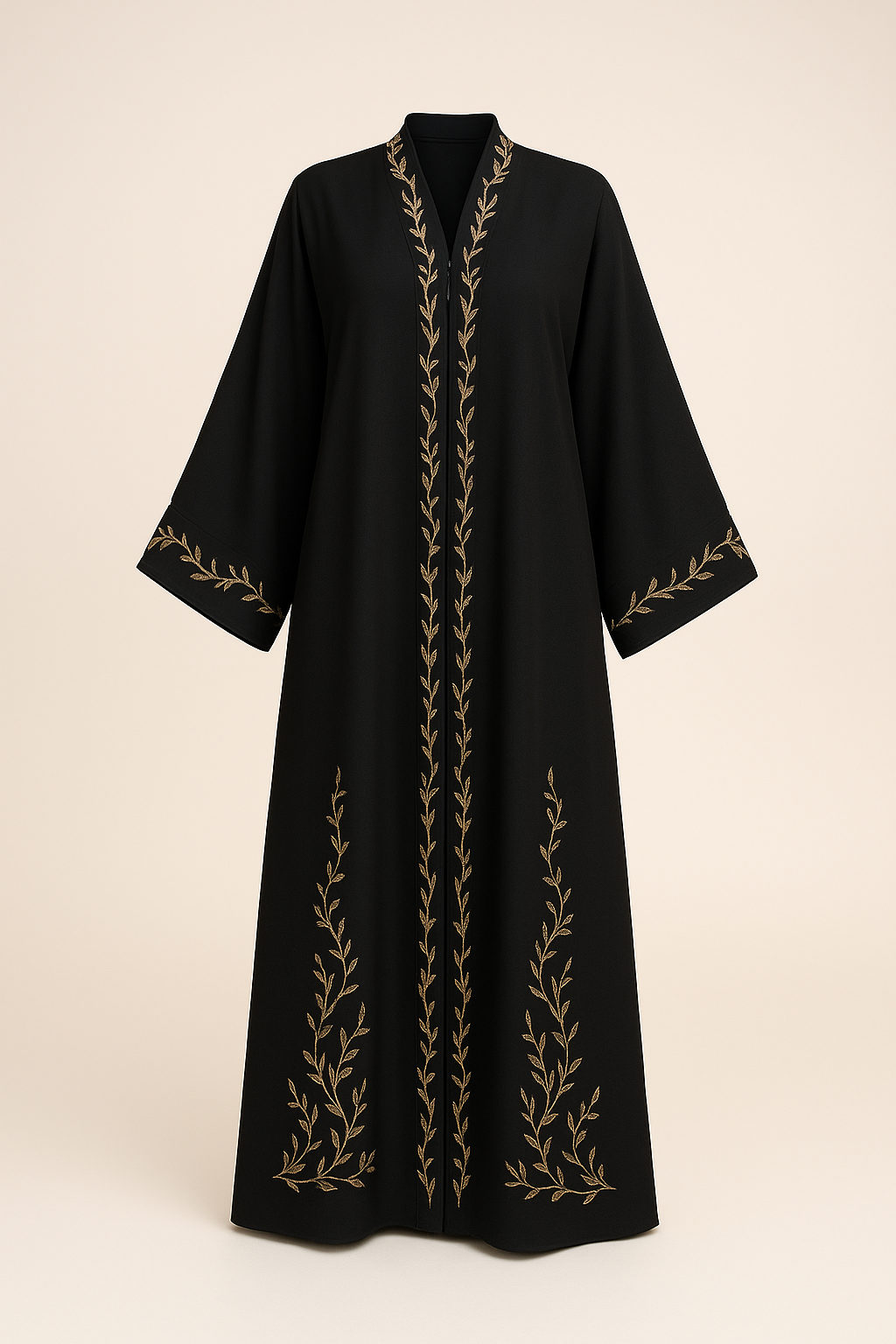
Authentic Omani & Gulf fashion from Aisha Boutique.
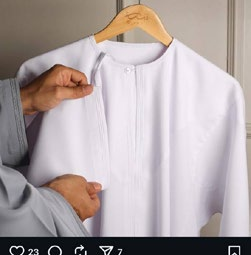
Khalid Menswear
Authentic Omani & Gulf fashion from Khalid Menswear.
Shop by category
View all
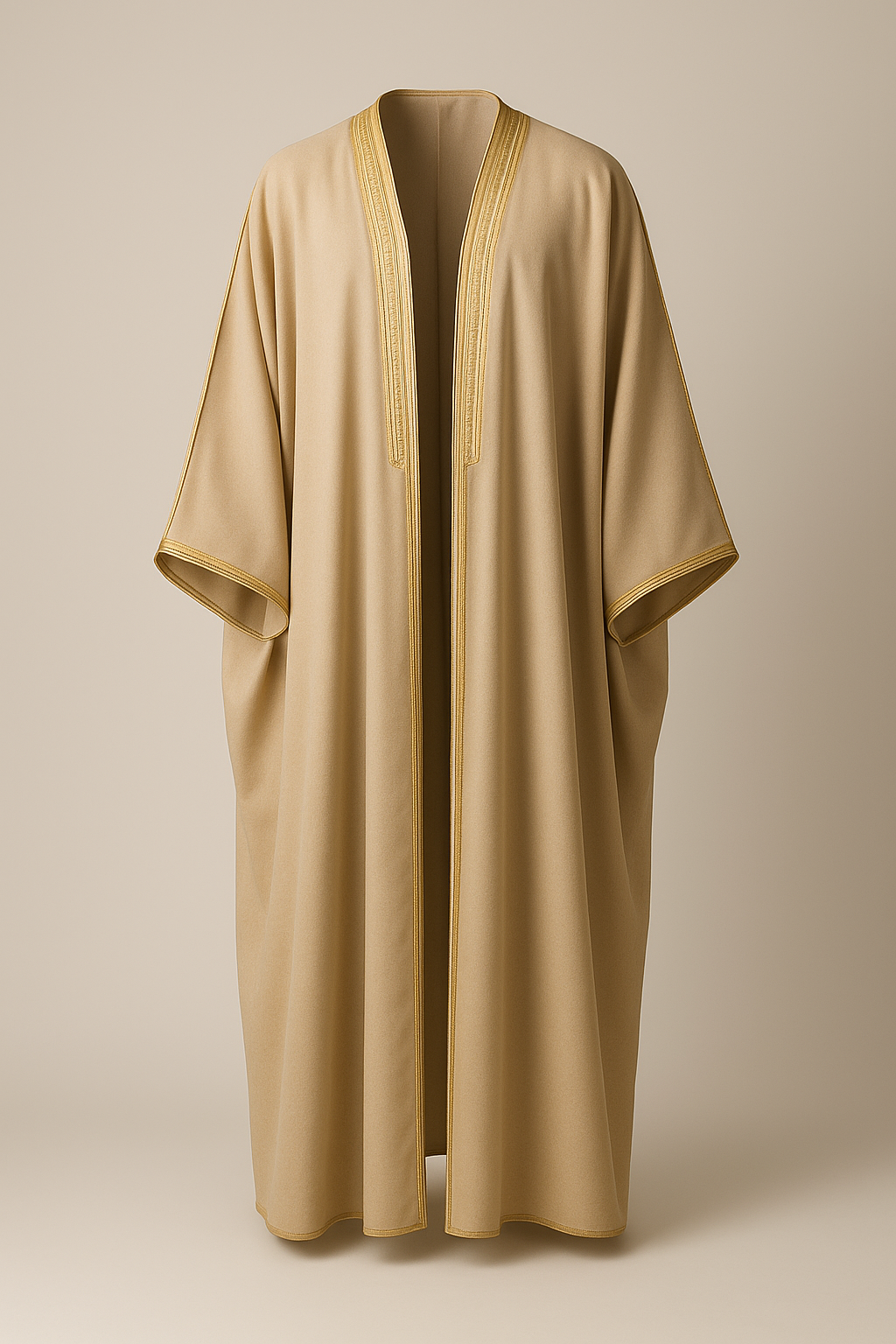
Compare
More than a marketplace.
See how Thiyab brings together everything your shop needs.
| Thiyab | Social Media / DMs | Traditional Selling | |
|---|---|---|---|
| Online storefront | Yes | Limited | No |
| Marketplace visibility | Yes | Limited | No |
| Order management | Yes | Manual | Manual |
| Inventory management | Yes | No | Limited |
| Integrated payments | Yes | No | Limited |
| Delivery integration | Yes | Manual | No |
| Built-in POS | Yes | No | Limited |
| Sales insights | Yes | Limited | Limited |
| Everything connected | Yes | No | No |
How we work together
From setup to sales, we’re with you.
-
Register your business
Submit your details and required documents.
-
Get verified
We review your application and verify your documents, usually within 1 working day.
-
Set up your shop
Add your products, prices, working hours and store details.
-
Start selling
Go live and start receiving orders from customers across Oman.
Join Oman’s fashion marketplace
Ready to grow your business with Thiyab?
Free to join. No setup fee. A bigger tomorrow for Omani brands.
Apply to sellOmani Brands Bigger Together
Questions? We’ve got answers
Frequently asked questions
Why should I partner with Thiyab?
Thiyab gives your store what it needs to sell online, in one place: your own storefront in Arabic and English, a place in the Thiyab marketplace, order management, card payments through Thawani collected for you, deliveries booked with our courier partners, a point of sale for your counter, and a statement for every settlement.
How do I become a Thiyab partner?
Apply online with “Start selling on Thiyab”. The application has four short steps — account, store, location and verification — and ends with the merchant agreement. Our team checks your documents; once you are approved your store is created and you can add your products, each of which is reviewed before it appears on the marketplace.
What documents do I need?
Your commercial registration (CR) number and a copy of the certificate, a copy of the owner’s or authorised signatory’s ID, your store logo, and your bank and IBAN — the account must be in the business’s name. Documents can be PDF, JPG or PNG, up to 8 MB each. Depending on your activity we may also ask for a Chamber of Commerce certificate, a VAT certificate, a signing authorisation or an activity licence.
How are payments and settlements handled?
Thiyab collects the payment from the customer for you. Once an order is delivered and has no open return, complaint or dispute, it is settled to your balance: the sale, less Thiyab’s commission and any payment-gateway or advertising charges. Every deduction is itemised on your statement, and payouts are made to your verified business bank account.
Can I manage multiple branches?
Not yet. Today each merchant account runs one store, with its own location and working hours — and you can set more than one opening period a day. If you trade from more than one branch, get in touch so we can discuss your setup.
What commission do you charge?
There is no subscription and no setup fee — Thiyab earns a commission on each sale. The rate is set out in the merchant agreement you accept when you apply, and it is deducted automatically and shown on your statement.
Read the merchant agreementCan I use my own delivery partner?
Not at the moment. Thiyab books every delivery with its courier partners, NOOL and Dalilee, so tracking, delivery fees and cash collection all run through one system. Customers can also choose to collect their order from your store.
How long does the approval process take?
Usually within 1 working day of receiving a complete application. If something is missing, we send the application back with a note so you can correct it, rather than turning it down.
Can I pause my store if I’m out of stock?
Yes. Set your store to Closed in the merchant portal and it stops taking orders until you open it again. You do not need to close for a single item, though — a piece whose stock reaches zero shows as sold out automatically.
Who can I contact for support?
Email the Thiyab team at [email protected]. Once your store is live, customer complaints about your orders reach you in the Support section of your merchant portal.